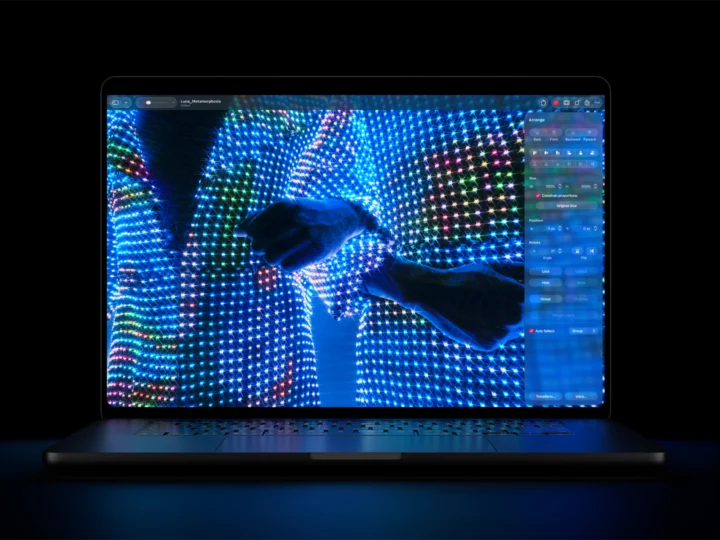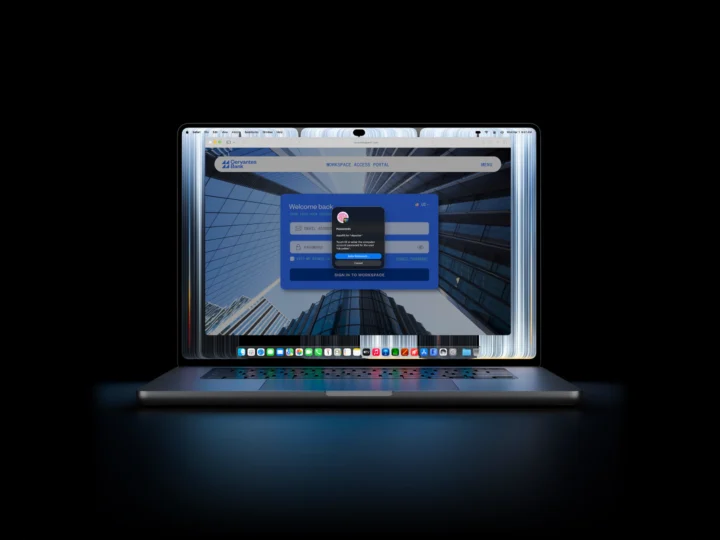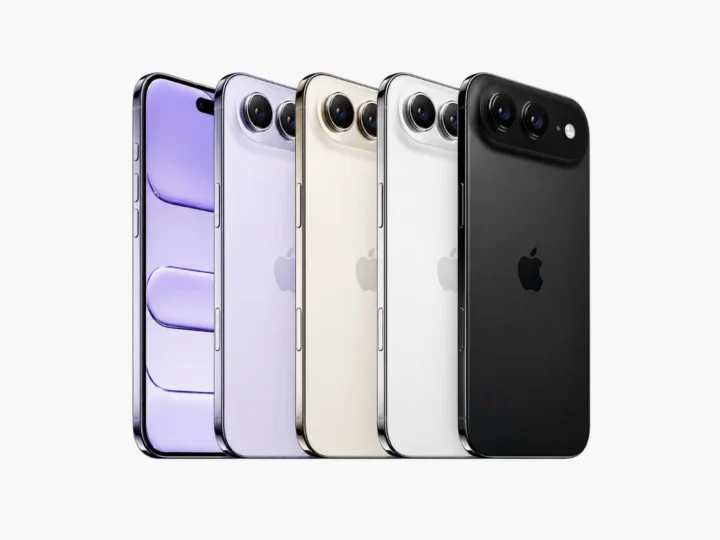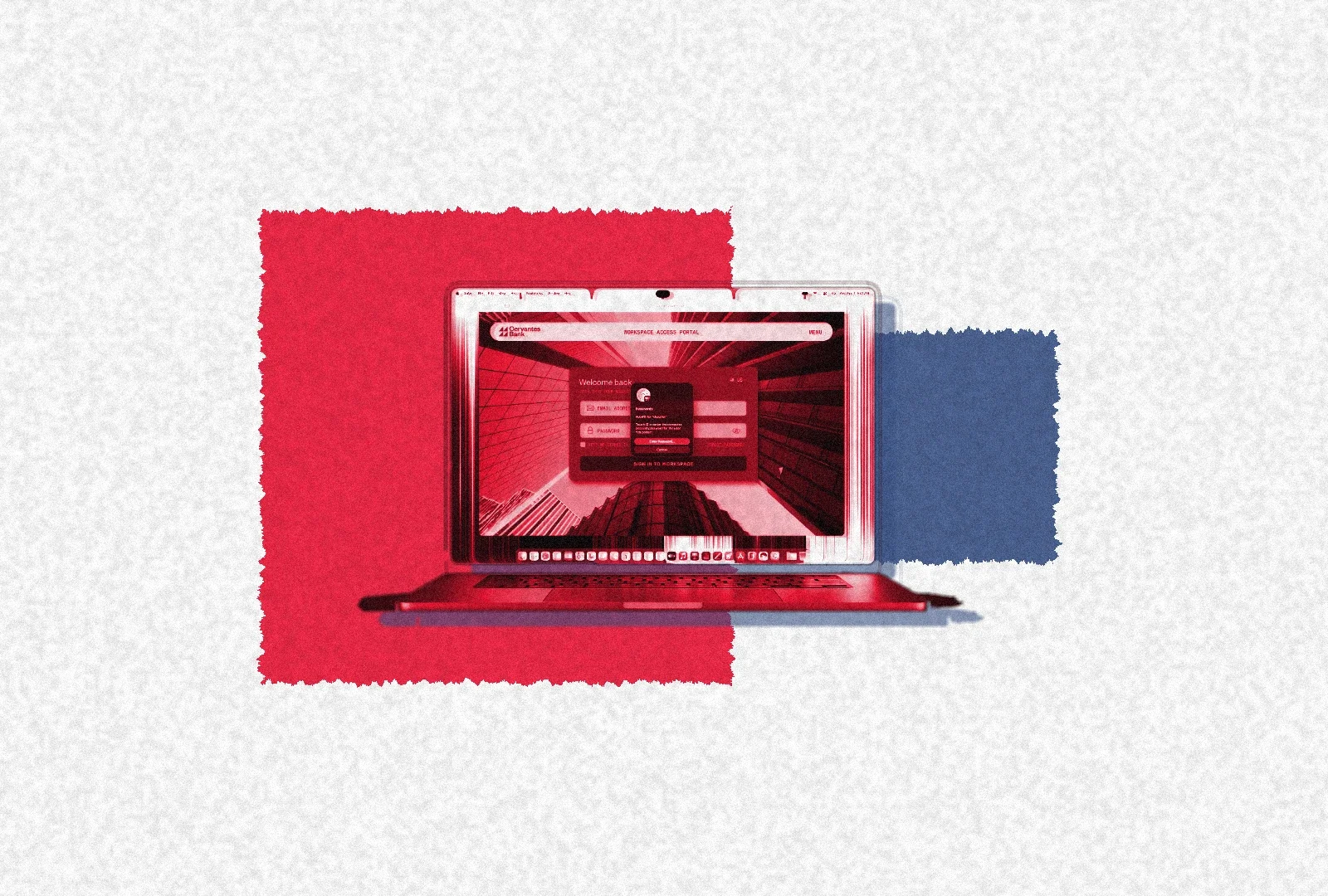

I carry an iPad Pro and MacBook Air with me everywhere I go, both equipped with Apple’s M5 chip. The performance isn’t the issue anymore for me; it’s portability. My workflow doesn’t involve heavy editing or prolonged screen-on sessions, so I have it pretty easy in that regard. When the M5 Pro MacBook Pro launched with a new design and display coupled with a touchscreen, I knew right there and then that this could replace my iPad Pro and MacBook Air.
I don’t typically upgrade to a newer model just because I “have” to have it. I believe in getting my money’s worth when it comes to computers. But this time, it’s different, and not because I want to own a touchscreen MacBook, but because it could make me get rid of one.
What I use each one for
My work doesn’t involve travel, but my personal life does. That means I must have both of my devices with me at all times. I work a full-time job, run this publication, and manage my marketing agency. So my hands are full.
M5 iPad Pro
I need my iPad Pro for management and research. I research Apple, read about the industry to keep my eyes open and my mind sharp, jot down post ideas, and handle basic formatting. It’s my go-to machine for managing posts, running tests, and keeping up with my timetable for The Mac Post. Also, the iPad Pro is a great help to me in designing images for my publication and all the social posts.
For WeRankStudio, my digital marketing agency, I manage clients, run SEO campaigns, check website performance, design content strategies, perform technical audits, and handle managerial operations.
At Engadget, I have to properly research stories, design slides, pitch them, and keep up with the team on Slack, Trello, and Looper, where the magic happens, and I love every bit of it. The iPad Pro is for managing editorial assignments, getting feedback from my editor, and so forth.
As for media consumption, the iPad Pro is my go-to machine. The Tandem OLED display is nothing short of magical and very color-accurate compared to the MacBook Air, and I would never use my MacBook Air for watching Netflix or Apple TV shows on the go. The iPad Pro is irreplaceable in this regard.
M5 MacBook Air
My MacBook Air is basically the production machine. Whenever my work requires proper writing or creating SEO campaigns, I resort to the Mac. I can write with ease with a dedicated keyboard and a trackpad that’s big enough to handle my man-hands.
It’s my powerhouse for publishing, editing, and designing campaigns. It’s my go-to for feature writing at my job, sending proposals to multiple leads, managing emails, storing everything in spreadsheets, and overall planning for my threefold work routine.
I also use it to research competitors and monitor Apple’s news cycle, edit images, and analyze traffic, impressions, CTR, and rankings. For my agency, it’s perfect for building GEO/AEO strategies and content plans, creating client proposals, reports, and presentations, managing spreadsheets, and building automation workflows.
Some of these features could overlap with what the iPad Pro could do for me, but it’s more about which device I’m using at that time, and since everything is synced up, I don’t have to worry about my workflows.
What the touchscreen MacBook Pro covers
Ever since Apple announced the touchscreen MacBook Pro, I can’t help but wonder what my workflow would be like. It’s basically a two-in-one device with only a few caveats compared to what the iPad Pro is good at. It’s quite convincing nonetheless.
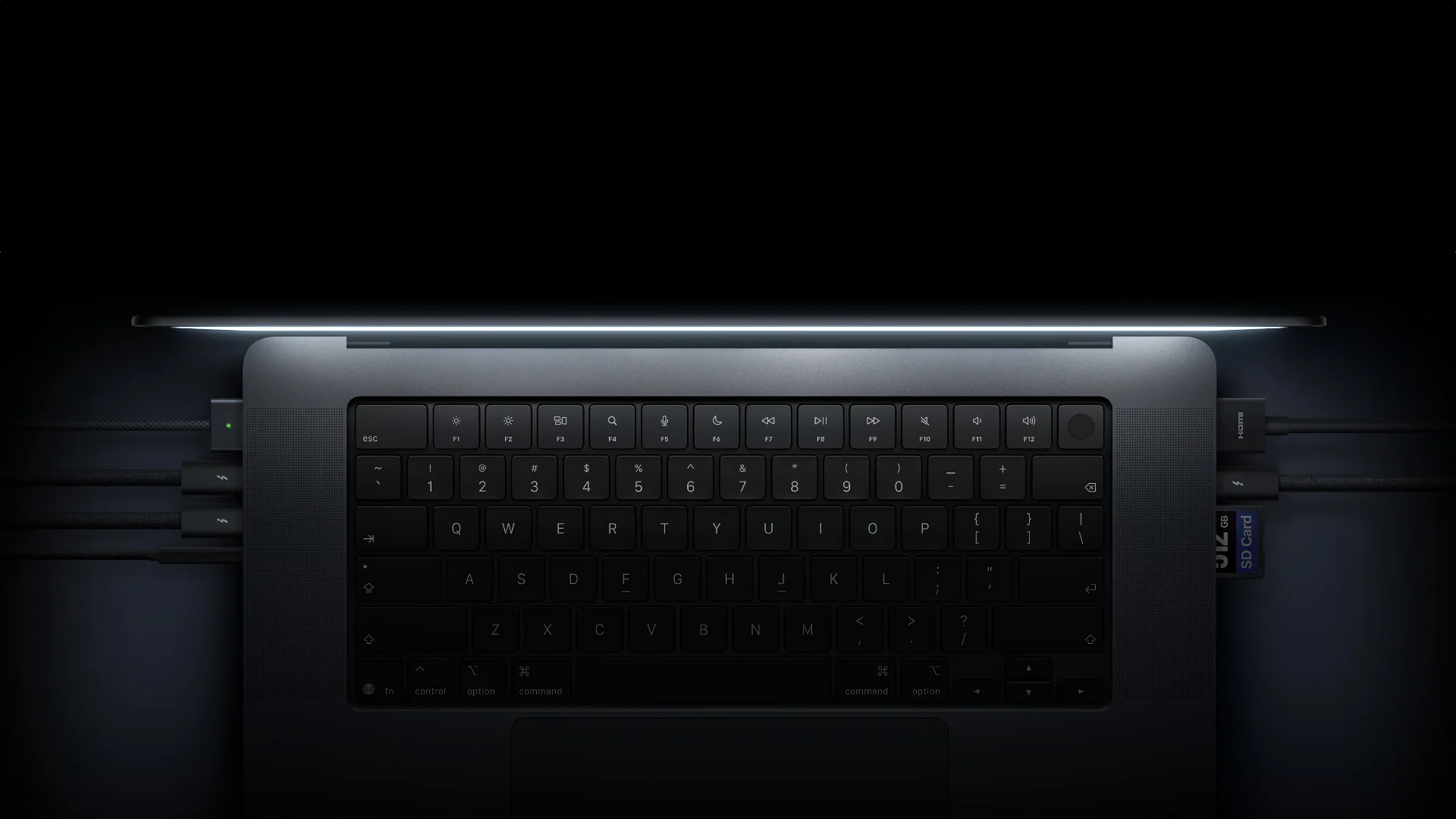
The touchscreen MacBook Pro display features the same Tandem OLED display as the M5 iPad Pro, with better contrast ratios. So the display could be even better on the MacBook Pro. Since it has a bigger display, content consumption could be more immersive. Also, the MacBook Pro features 120Hz ProMotion and up to 2,000 nits of screen brightness.
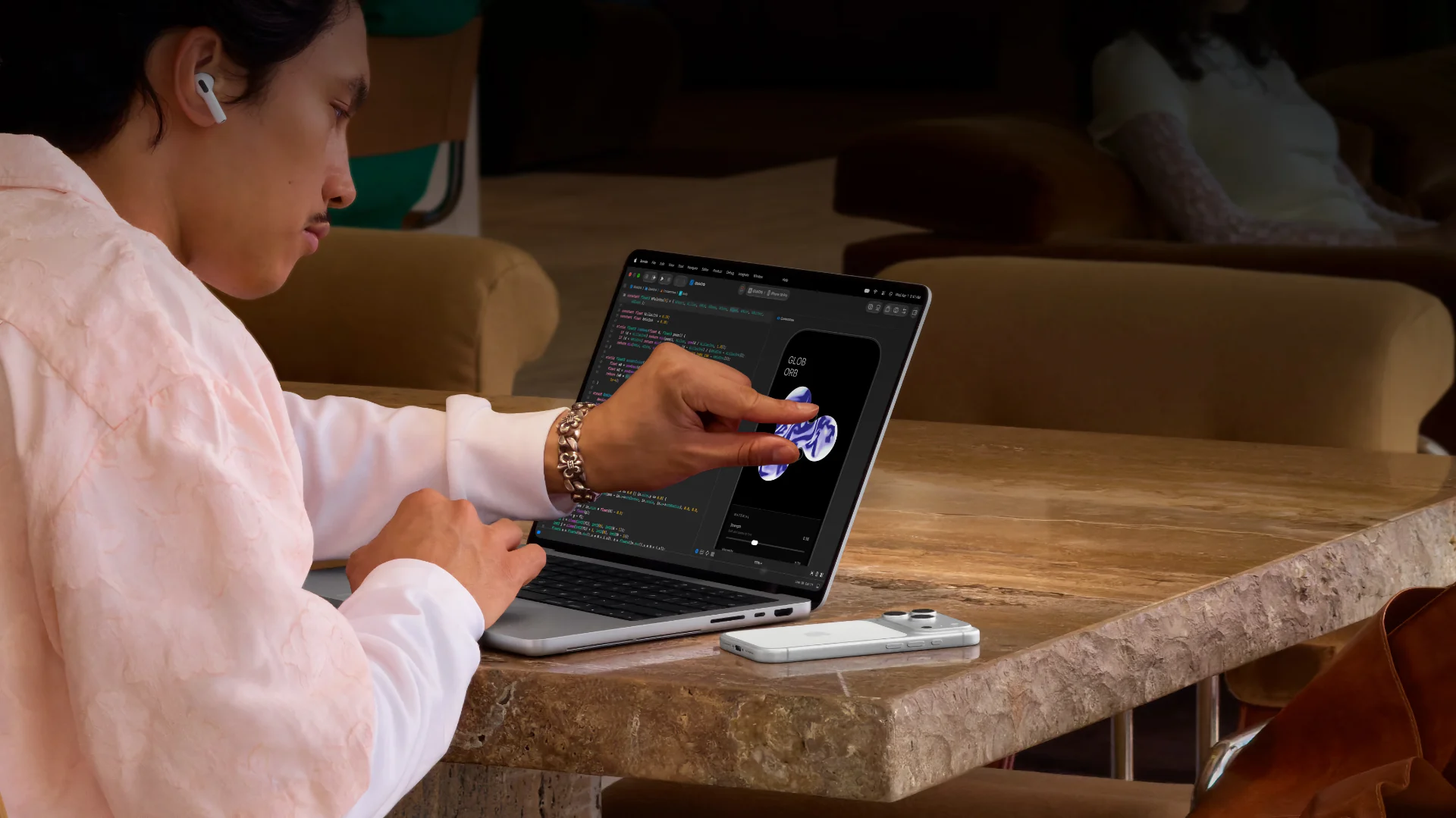
The touchscreen aspect is what excites me as well. I can scroll as I would on my iPad Pro, along with pinch to zoom, drag files, and adjust windows. All of this, and I also get a trackpad and keyboard. The levels of input are quite a welcome addition in my opinion.
Yes, it is a bit heavier than an iPad, but my backpack always has the iPad Pro and the MacBook Air together, which means I’m not technically giving up anything even if the weight gets heavier. At 3 pounds, I would gladly switch to the touchscreen Mac, no problem! It also houses a gigantic battery that will last me 24 hours, as per Apple’s claims. The Dynamic Island is a welcome addition and an upgrade from my MacBook Air’s notch up top. The MacBook Pro with touchscreen can do a lot, as you can read in our FAQ post.
Where it still falls short
The OLED MacBook Pro with touchscreen is not perfect. Even with a touchscreen, the machine isn’t compatible with any Apple Pencil variant. My iPad Pro, on the flip side, is. You can check out more details on why the touchscreen MacBook Pro with OLED display does not work with Apple Pencil.
The MacBook Pro also doesn’t have a tablet mode. I cannot casually sit next to my couch and hold it as easily as I would hold the iPad Pro. It cannot fold, and the screen cannot detach from the rest of the body. It would have been great, but we know that’s never going to happen. If I use the Pro model as a replacement for my MacBook Air, then the weight counts, but the margin isn’t huge. My MacBook Air weighs only 2.7 pounds, and the opportunity cost is much greater.
The math is simple, but painful
By the end of the day, it also boils down to cost for me. The 14-inch OLED MacBook Pro is priced at $2,899 for the base model. That’s quite a jump, Apple. On the other hand, I paid the full price for the M5 iPad Pro and M5 MacBook Air, costing $1,199 and $1,099, respectively.
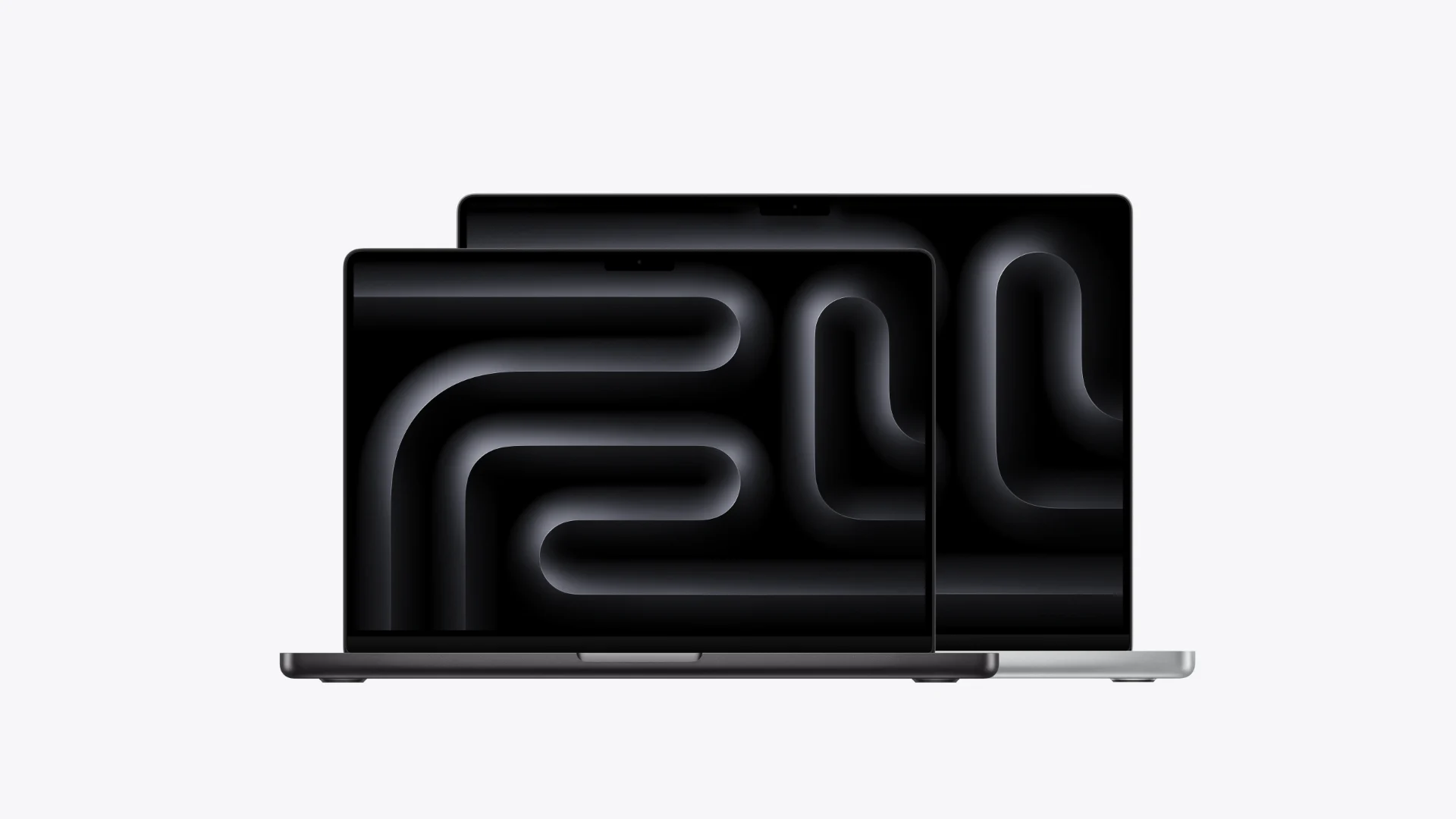
Even if I sell my iPad Pro and MacBook Air at 75 percent of the buying price, I would still need around $1,200 to get the OLED MacBook Pro with touchscreen. That’s a deal breaker right there. The MacBook Pro with touchscreen can indeed replace my iPad Pro and MacBook Air, but I won’t do it. The costs outweigh the benefits; that’s pretty self-explanatory at this stage.
My verdict
It’s simple. There are some caveats if I make the switch and only a few benefits. The cost is a major reason why I won’t replace my iPad Pro and MacBook Air. However, if my workflow involved heavy editing and rendering large files, I would gladly do it. But that’s only in the case of jumping to the MacBook Pro models. That would also involve me judging and analyzing the performance of the M5 Pro and M5 Max chips and not just the benefits of the OLED touchscreen. It’s a no for me at this stage, but you never know what might change my mind.