
For most people, the 14-inch MacBook Pro with an M6 chip is the right choice, which costs $1,999. For some, the MacBook Pro with the M5 Pro and M5 Max is the better option that offers better performance. You can also buy the PROLED XDR MacBook Pro if you want the complete experience with a touchscreen.
Apple currently has three different MacBook Pro models that it’s selling, each with its own set of pros for a specific type of audience. It’s always good to have options, which allows customers to make an informed decision. While choices are great, they also create confusion, so picking the wrong one is easier than ever.
MacBook Pro lineup at a glance
| MacBook Pro with M6 | MacBook Pro with M5 Pro or M5 Max | MacBook Pro with PROLED XDR | |
|---|---|---|---|
| Starting price | $1,999 | $2,499 (14-inch), $2,999 (16-inch) | $2,899 (14-inch), $3,399 (16-inch) |
| Chip | M6 | M5 Pro or M5 Max | M5 Pro or M5 Max |
| Sizes | 14-inch only | 14-inch and 16-inch | 14-inch and 16-inch |
| Display | Mini-LED (Liquid Retina XDR) | Mini-LED (Liquid Retina XDR) | Tandem OLED (PROLED XDR) with Touch |
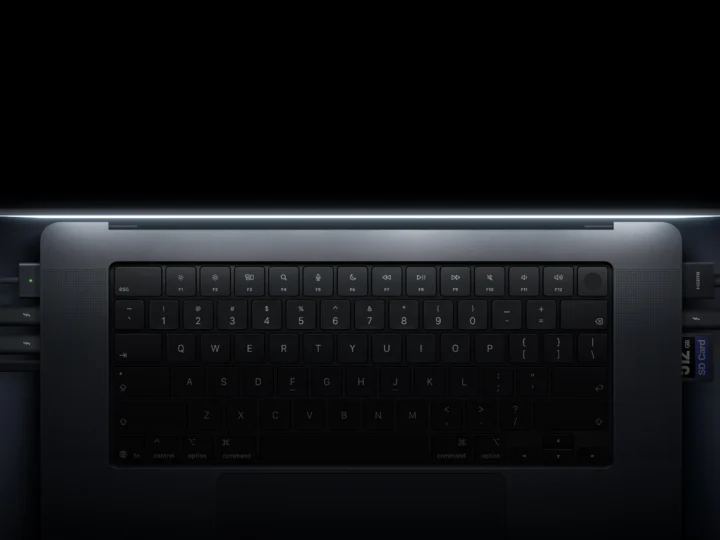
| Ports | 3x Thunderbolt 4, HDMI, SDXC, MagSafe | 3x Thunderbolt 5, HDMI, SDXC, MagSafe | 3x Thunderbolt 5, HDMI, SDXC, MagSafe |
| External displays | Up to 2 | Up to 3 (M5 Pro), 4 (M5 Max) | Up to 3 (M5 Pro), 4 (M5 Max) |
| Battery (14-inch) | Up to 24 hours | Up to 22 hours (M5 Pro) | Up to 24 hours |
| Weight (14-inch) | 3.4 lb | 3.5 lb | 3 lb |
Buy the MacBook Pro with M6 if you want the best value
The 14-inch M6 MacBook Pro starts at $1,999 with 16GB of unified memory, the same price as the M5 model that it replaced. It features a 12-core CPU and 12-core GPU, and Apple says that it’s up to 1.3 times faster than the M5 at compiling code in Xcode, rendering in Blender and running AI prompts.
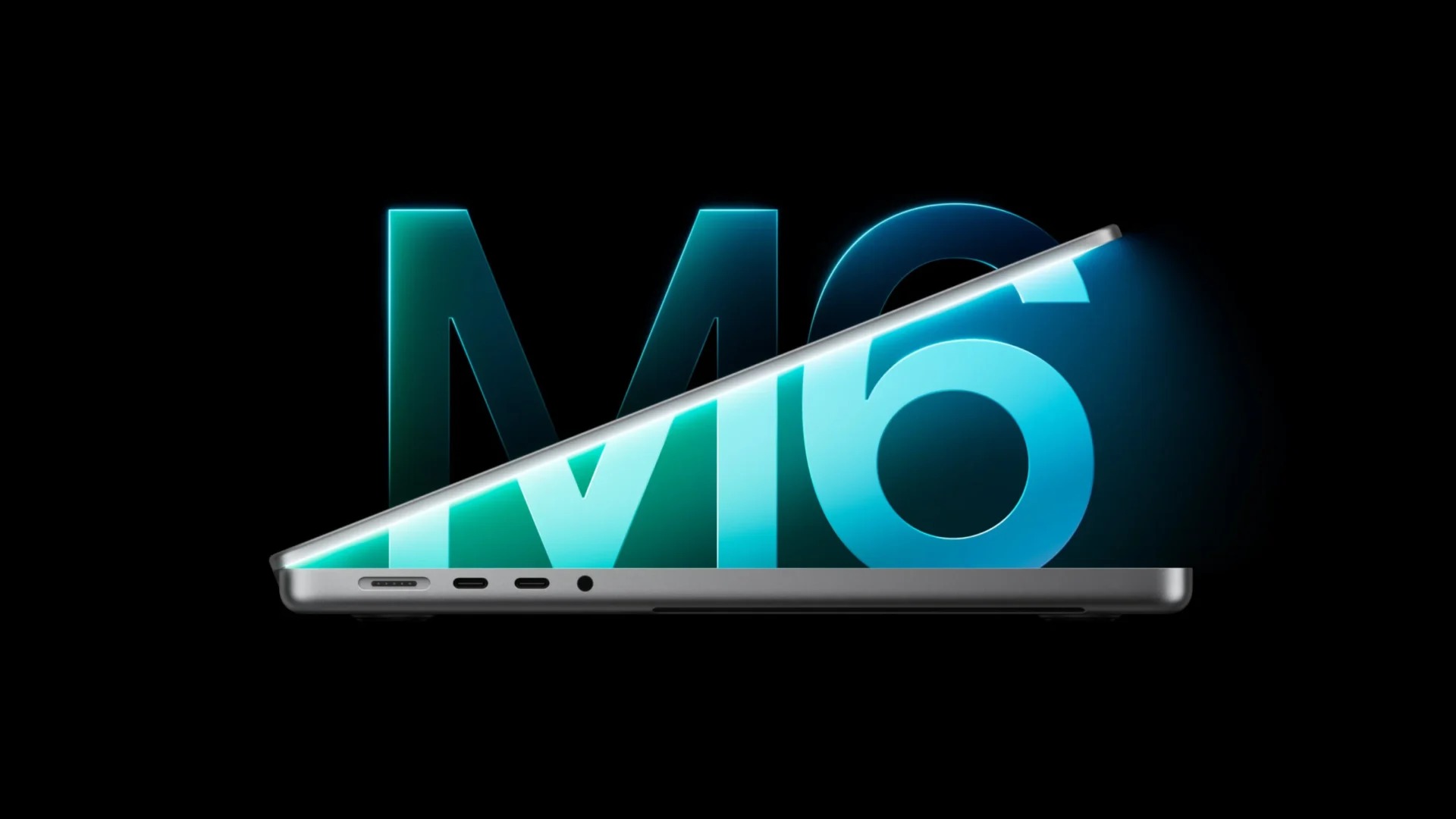
Among the regular models, it features the best battery life, reaching up to 24 hours of video playback. As for connectivity, it comes with Wi-Fi 7 and Bluetooth 6. There are trade-offs when it comes to peripherals, as the M6 MacBook Pro supports Thunderbolt 4 instead of 5, and only two external displays. You’re also limited to just choosing the 14-inch model.
Buy the MacBook Pro with M5 Pro or M5 Max if you need power but not touch
The M5 Pro and M5 Max MacBook Pro has the same chips as the PROLED XDR variant, so performance is identical. The M5 Pro features up to an 18-core CPU and a 20-core GPU. The M5 Max version, on the flip side, features up to a 40-core GPU.
It comes with support for Thunderbolt 5, with up to three external displays on the M5 Pro and four on the M5 Max version. It starts at $2,499 for the 14-inch model, which is $400 less than the PROLED XDR. The 16-inch model starts at $2,999, just $100 more than the new redesigned 14-inch PROLED XDR MacBook Pro.
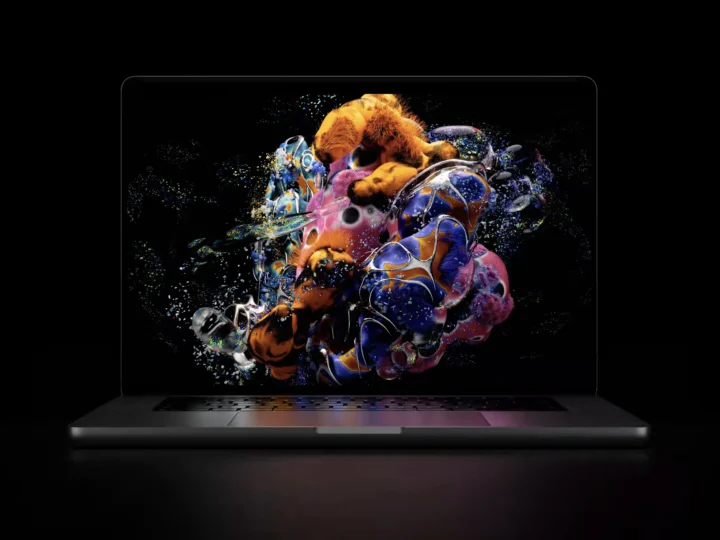
The mini-LED display is still great for viewing with 1,600 nits for HDR and 1,000 nits for SDR content. It supports 120Hz ProMotion technology, but it can’t go as low as 10Hz. You can spend the $400 you save from jumping to the redesign on storage or more memory, which helps the pros more than a touchscreen does. It’s best for video editors, 3D artists and anyone running big AI models on the machine.
Buy the MacBook Pro with PROLED XDR if you want the best display and touch
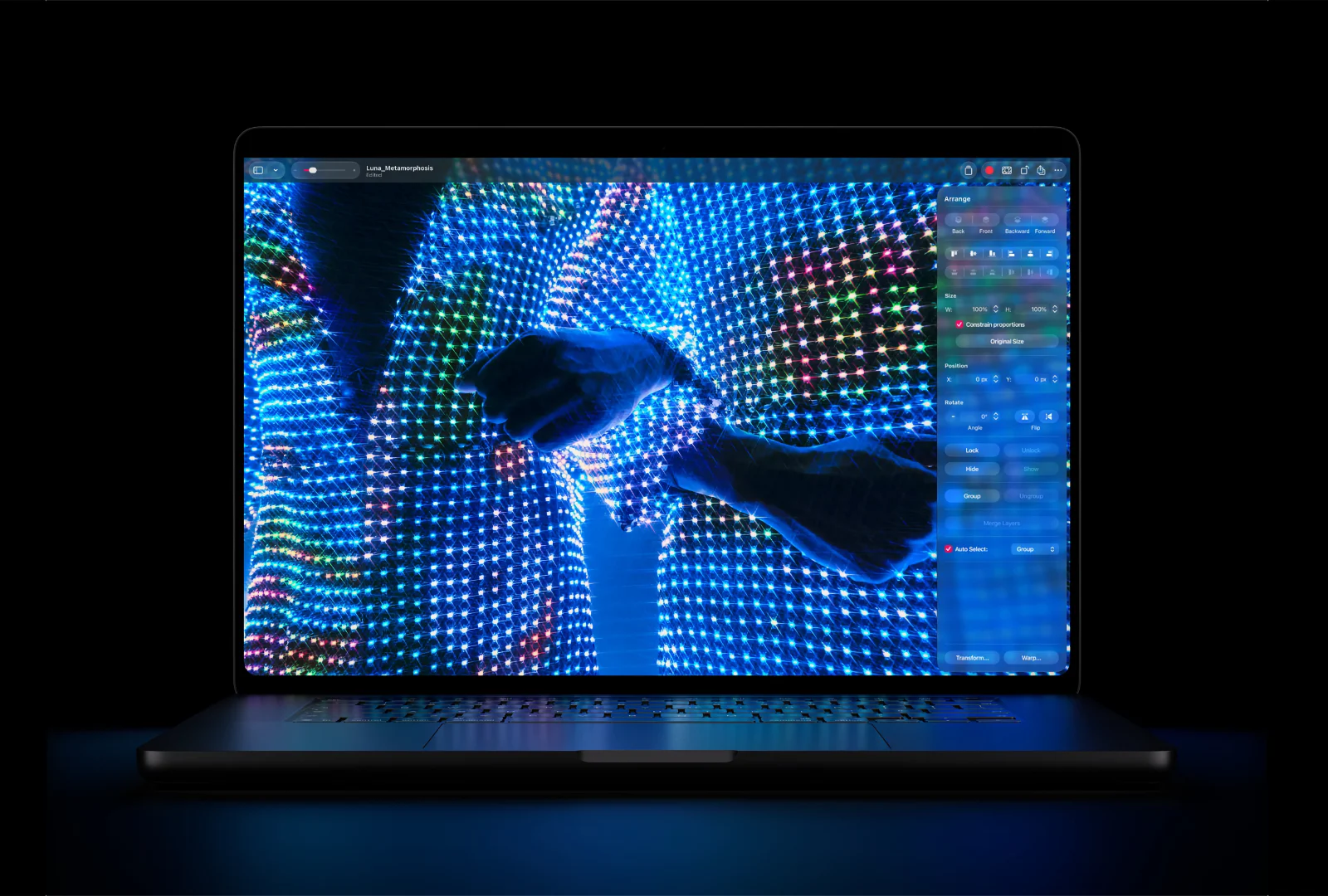
The new PROLED XDR MacBook Pro with a 14-inch display houses a tandem OLED panel that can go up to 2,000 nits for SDR and HDR content. The deeper blacks and higher contrast ratio are a treat for your eyes and eliminate blooming, if that’s one of your concerns with the mini-LED variant. It also features ProMotion with variable refresh rate that can shift between 10Hz and 120Hz.
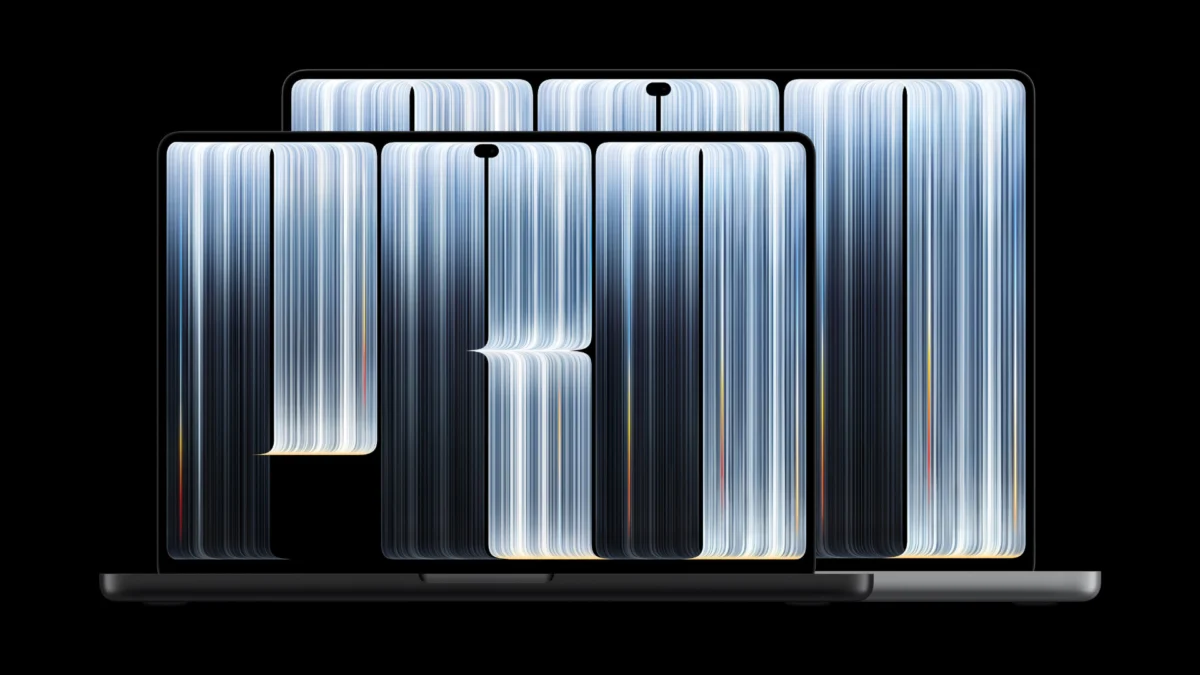
It’s the only MacBook Pro with a touchscreen, a Dynamic Island instead of a notch and a glowing Apple logo to show off the new model at the coffee shop. It features the same M5 Pro and M5 Max chip configurations as the mini-LED model.
It’s also the lightest MacBook Pro yet, coming in at just 3 lb for the 14-inch and 4 lb for the 16-inch. It features the same battery life at up to 24 hours of video playback.
It starts at $2,899 for the 14-inch model and $3,399 for the 16-inch model. The trade-offs exist for this one too: it’s the most expensive, it’s the first generation of touch on a Mac, and Apple Pencil doesn’t work with it. It’s best for colorists, HDR video editors, and anyone who wants the newest design.
Which one we’d buy
In my opinion, the M6 MacBook Pro is more than capable for most people. It features a mini-LED display that’s color accurate and the latest M6 chip that can handle any task you throw at it. The design is still great and modern, if you’re comparing it to the latest one.
The PROLED XDR MacBook Pro is for you if the display is your work. All variants can do anything the others can, and a touchscreen won’t let you achieve something that your Mac can’t.
We would advise you to wait for the reviews, so you can make an informed decision. Reviews of the PROLED XDR should land this week ahead of its November 6 launch, so do check the reviews before you spend $2,899 on the first-gen touchscreen MacBook.
Which model are you getting this year?