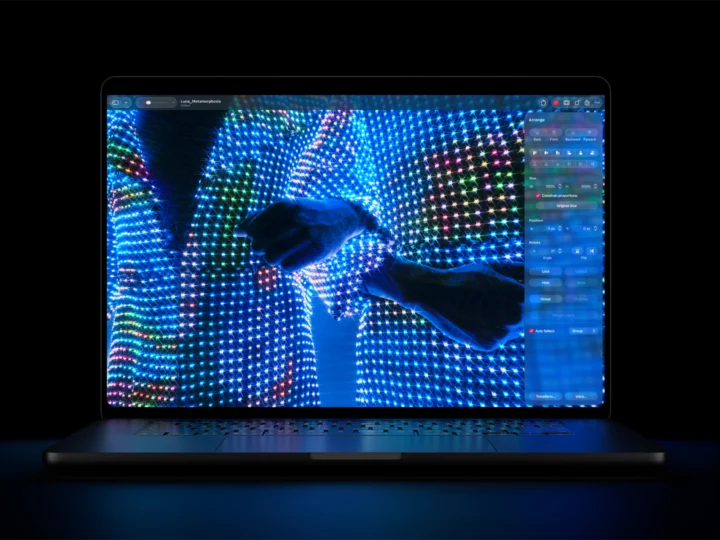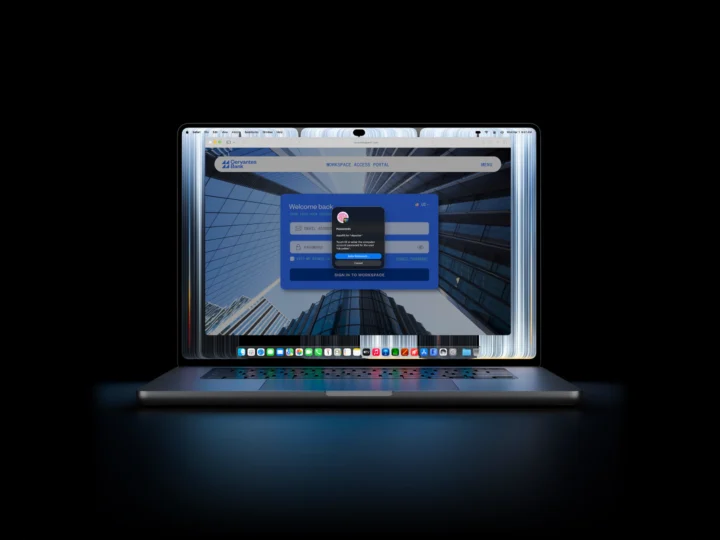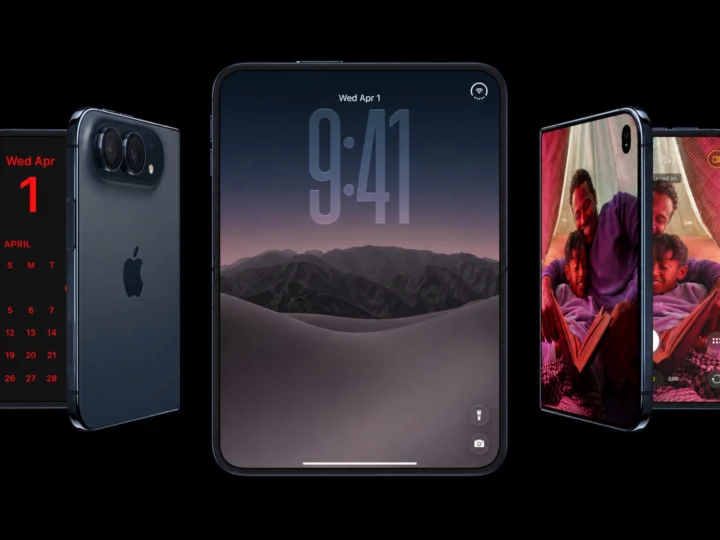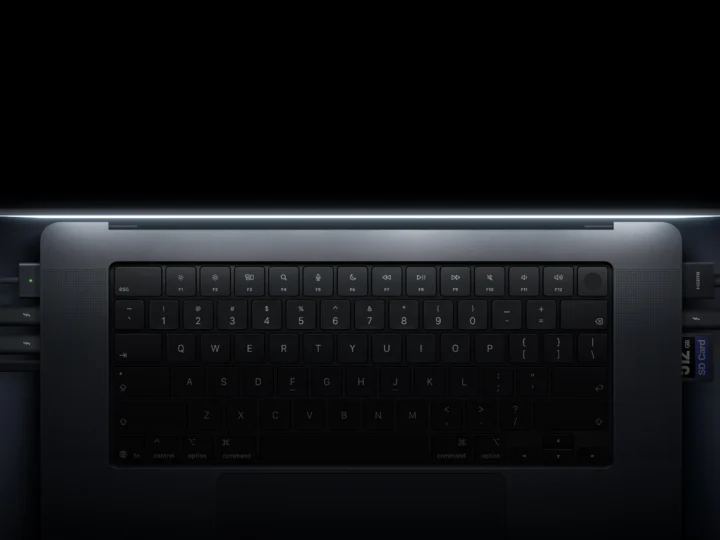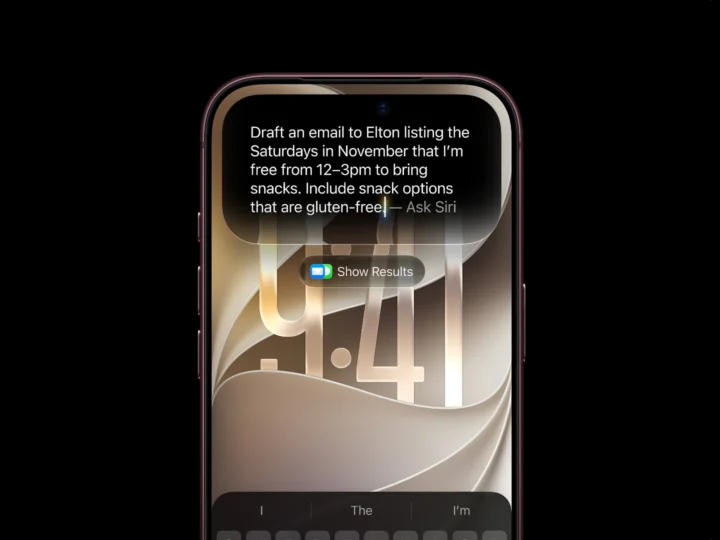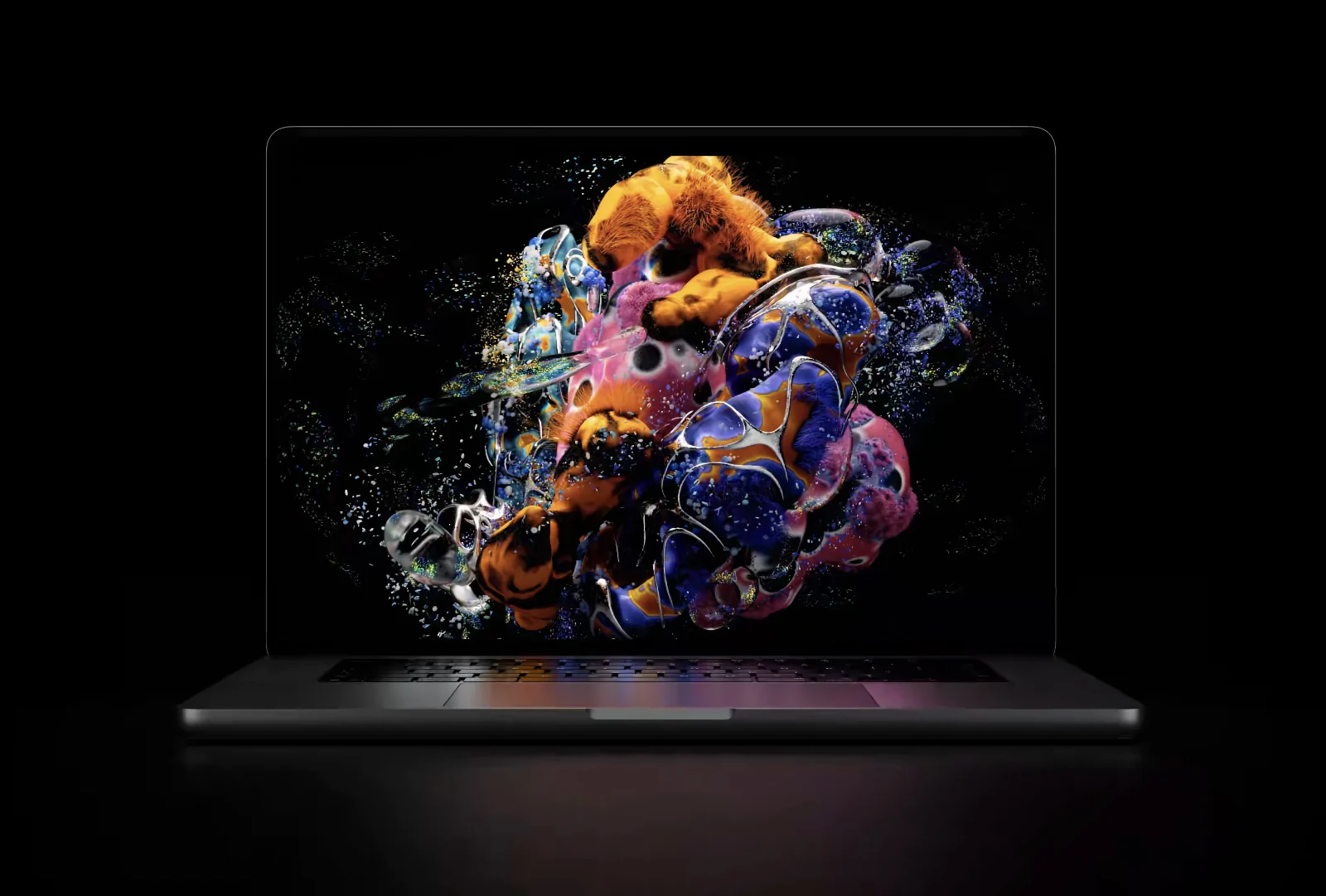

For the very first time, Apple is selling two 14-inch MacBook Pros with the exact same M5 Pro and M5 Max chips, and the only things separating them are a screen, a hinge, half a pound in weight, and $400. One has the new PROLED XDR Display with Touch and Dynamic Island, and the other sticks with the mini-LED panel and the notch we’ve lived with since 2021.
So the question isn’t which one’s faster, because neither is. It’s whether OLED and Touch are worth paying more for, and the answer depends a lot more on how you use your Mac than on the spec sheet.
PROLED XDR vs mini-LED MacBook Pro specs
| MacBook Pro with PROLED XDR | MacBook Pro (mini-LED) | |
|---|---|---|
| Starting price | $2,899 | $2,499 |
| Chip | M5 Pro or M5 Max | M5 Pro or M5 Max |
| Display | 14.2-inch tandem OLED (PROLED XDR) | 14.2-inch mini-LED (Liquid Retina XDR) |
| Peak brightness | 2,000 nits HDR and SDR | 1,600 nits HDR, 1,000 nits SDR |
| Contrast ratio | 10,000,000:1 | 1,000,000:1 |
| Refresh rate | 10Hz to 120Hz | Up to 120Hz |
| Touchscreen | Yes | No |
| Top of the screen | Dynamic Island | Notch |
| Weight (14-inch) | 3 lb | 3.5 lb |
| Ports | 3x Thunderbolt 5, HDMI, SDXC, MagSafe, headphone jack | 3x Thunderbolt 5, HDMI, SDXC, MagSafe, headphone jack |
| Glowing Apple logo | Yes | No |
Same chips, so performance is a tie
On paper, it’s a tie as far as the performance is concerned. Apple is selling both 14-inch MacBook Pro models with the same M5 Pro and M5 Max chips, and the money goes on the experience, not speed.
A new design comes with a redesigned cooling system for the OLED model. It’s built to fit the same performance into a thinner, lighter body and to push warm air away from the OLED panel, not to make the chip faster. Apple says that the sustained performance is unchanged, which means design has no impact on the performance.
For everyday work and quick bursts, you won’t see a difference in speed. If you export or render for an hour straight, you might want to wait for thermal tests, because a thinner chassis is where throttling would appear first.
PROLED XDR vs mini-LED
In terms of display differences, brightness is the bigger story than contrast, as it goes from 1,000 to 2,000 nits in everyday SDR content. It’s something that you’ll notice by the window or outdoors, not only when watching HDR.
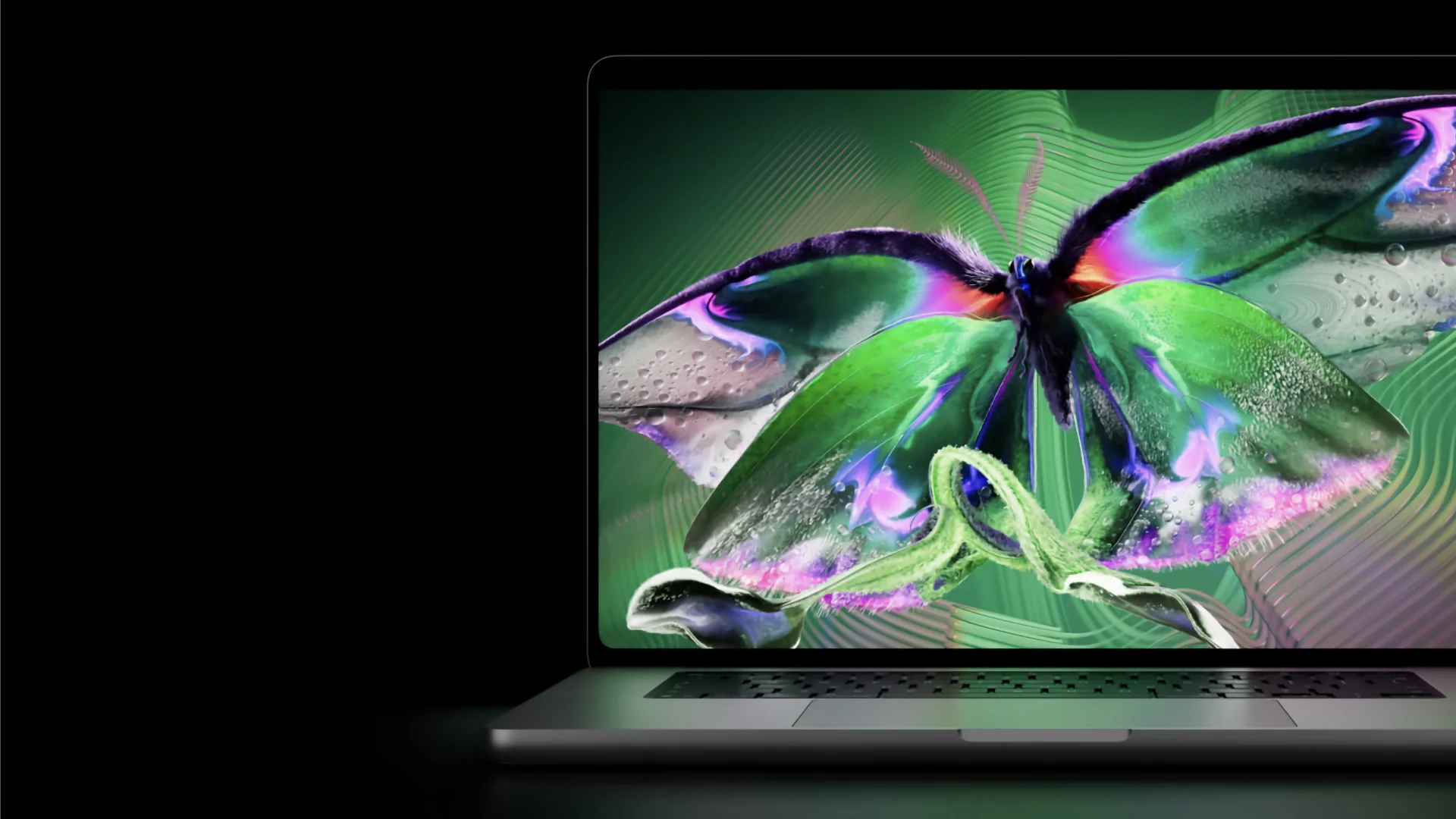
The OLED model has 10 times the contrast, with true blacks and no blooming or halos around the bright objects on dark backgrounds. Using the mini-LED MacBook Pro and the M5 iPad Pro, there is no competition when it comes to OLED blacks, even though mini-LED is pretty good on its own. Going to a MacBook Air screen is far worse and very noticeable.
OLED does have a burn-in issue, and macOS has static elements like a menu bar and Dock. Apple uses tandem OLED partly because it lasts longer than single-layer OLED, but how it holds up on a laptop over the years is something only time will tell.
Touch and the Dynamic Island
Touch on the PROLED XDR display works alongside the keyboard and the trackpad, and it doesn’t take the place of any other input method. You can scroll, drag, and flick windows into place, pretty similar to how you would do on the iPad.
Apple says that it’s only getting started with touch in macOS, so part of the $400 is a bet on what arrives with macOS 28. There is a smudge problem that nobody mentions. A glossy laptop screen that gets poked at every time will collect fingerprints. If you’re planning to use it a lot, consider the nano-texture option.
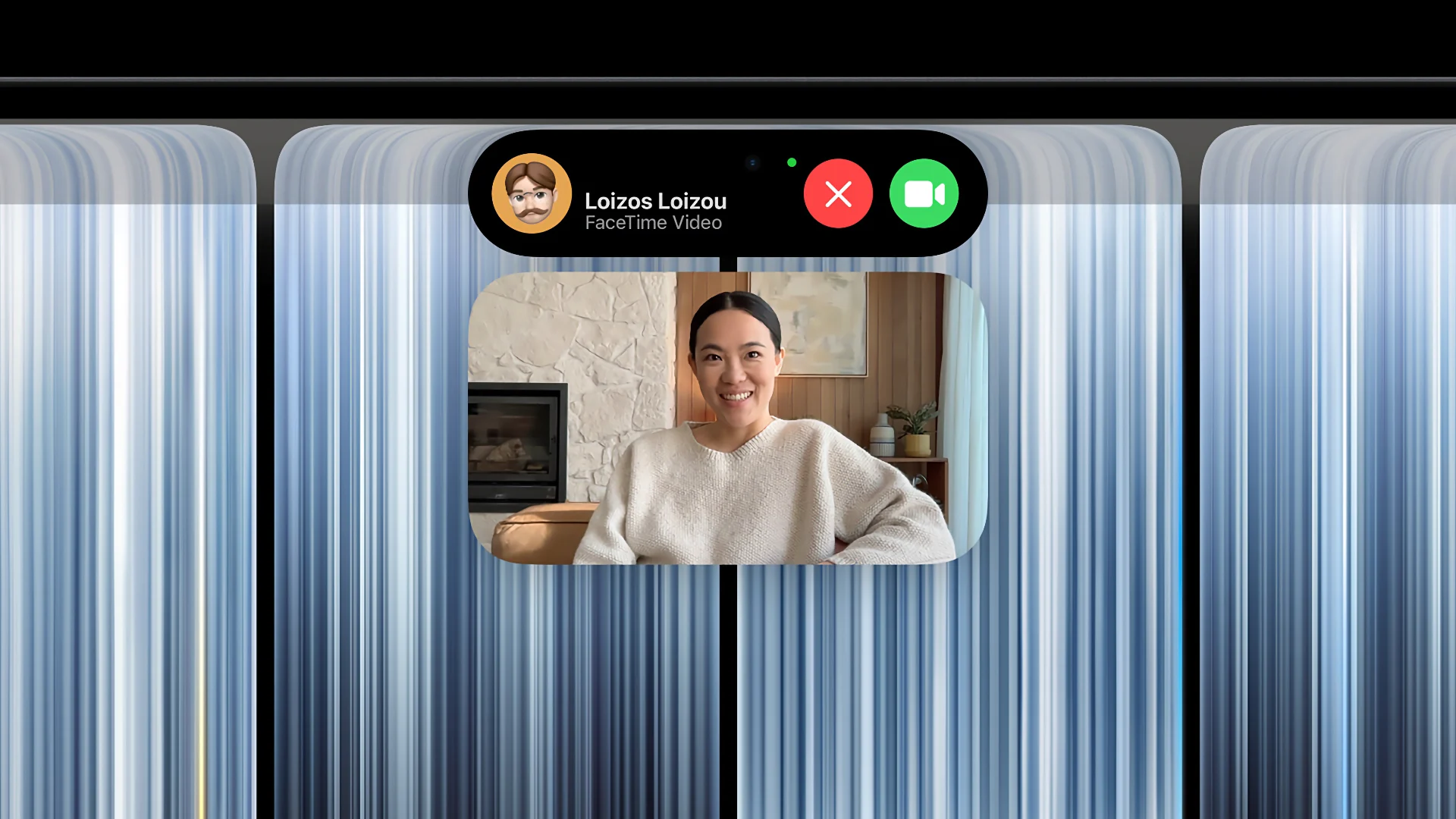
The notch is gone with the OLED model, replaced with a Dynamic Island that now handles Spotlight, Live Activities, Siri and calls. A small detail that you might not have heard is that Center Stage now steadies your video when you touch the screen during a call. This shows that Apple is willing to add more features based on touch and we can expect the same in the future.
Lighter, thinner, and the logo glows again
The 14-inch PROLED XDR MacBook Pro is significantly lighter than the mini-LED version, about half a pound, which is roughly an iPhone’s weight. You’ll feel it in a bag every day, but not on a desk.
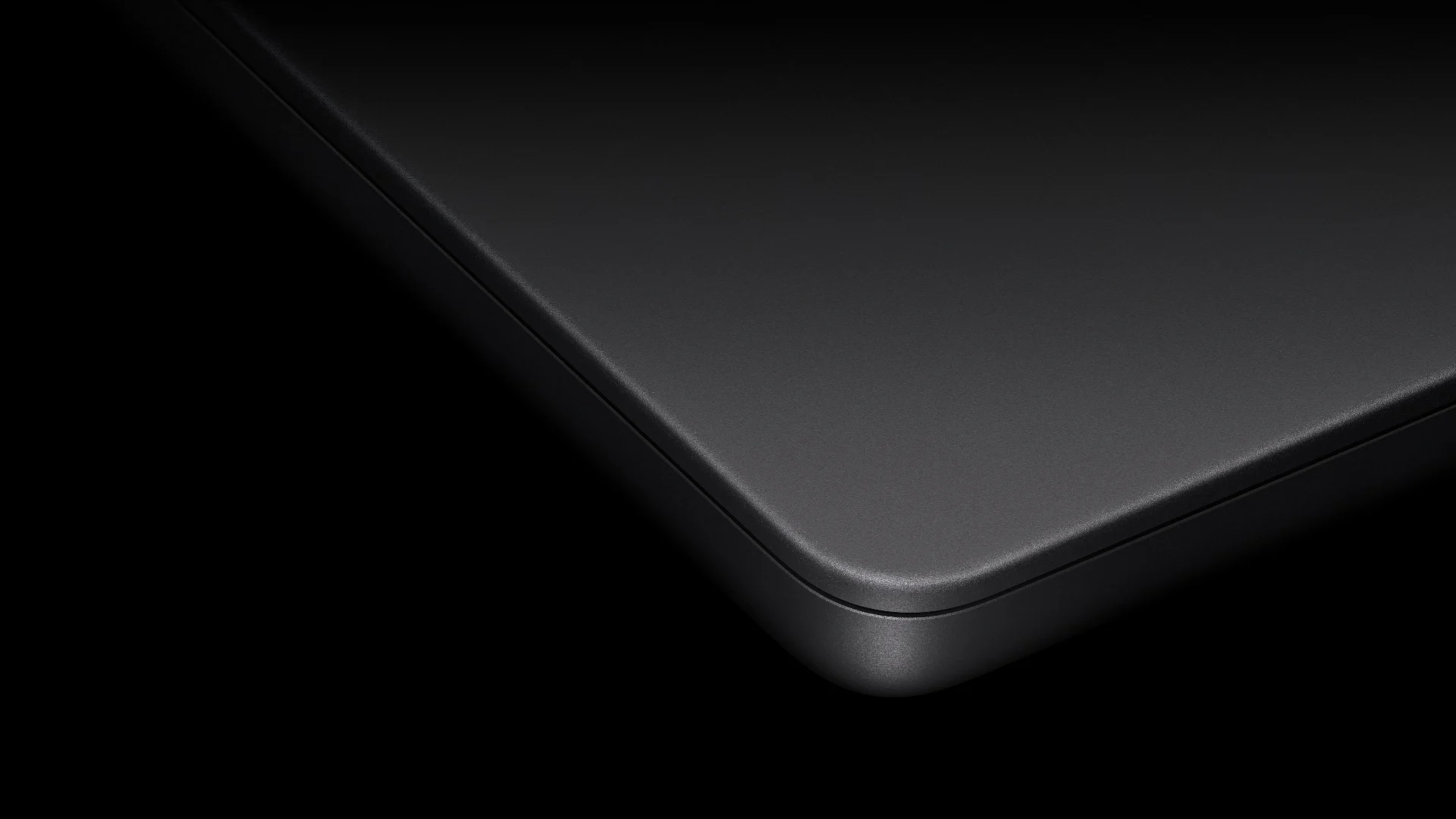
The hinge is the unglamorous part that makes Touch usable, because the screen doesn’t wobble as much when you tap it. Apple has paid great attention to the hinge and it appears that hinges are becoming a new point of research for the company. We have heard some complaints from iPhone Duo users, and the company will only grow from this point forward.
In one of my favorite changes, the glowing Apple logo is back for the first time since 2016. It gives the MacBook Pro a nostalgic feel, but the operation is entirely different. Apple uses a dedicated source to light up the Apple logo on the new models compared to older LCD models, where the logo shared the screen’s backlight.
Which one should you buy?
There are a few reasons why one is better than the other and whichever suits you, works for you.
If your MacBook mostly sits closed and plugged into a monitor, you’d be paying $400 for a screen you rarely look at. In this case, the mini-LED MacBook Pro works best.
The regular model already shows up hundreds of dollars off. If you’re getting $500 off, the gap becomes $900, which is enough for you to invest in AppleCare plus a new monitor.
The mini-LED is very likely the last of its kind, the final notched, non-touch MacBook Pro design. You might already be familiar with the quality and Apple has fixed anything that was wrong with the design, while the PROLED XDR is a first-generation product.
The OLED model makes sense if you edit photos or videos, work in HDR, or carry your laptop all day.
Get the regular, mini-LED model if you work at a desk, or want the same power for less. On a tight budget, the 14-inch MacBook Pro with M6 chip is priced at $1,999, making it the cheapest Pro out of the bunch.
Apple keeping the regular model on sale is good for buyers. The company took a different approach when the Touch Bar was announced and forced it on everyone except the entry 13-inch model. It’s completely your call at the end of the day, based on your custom preferences and money in the bag.