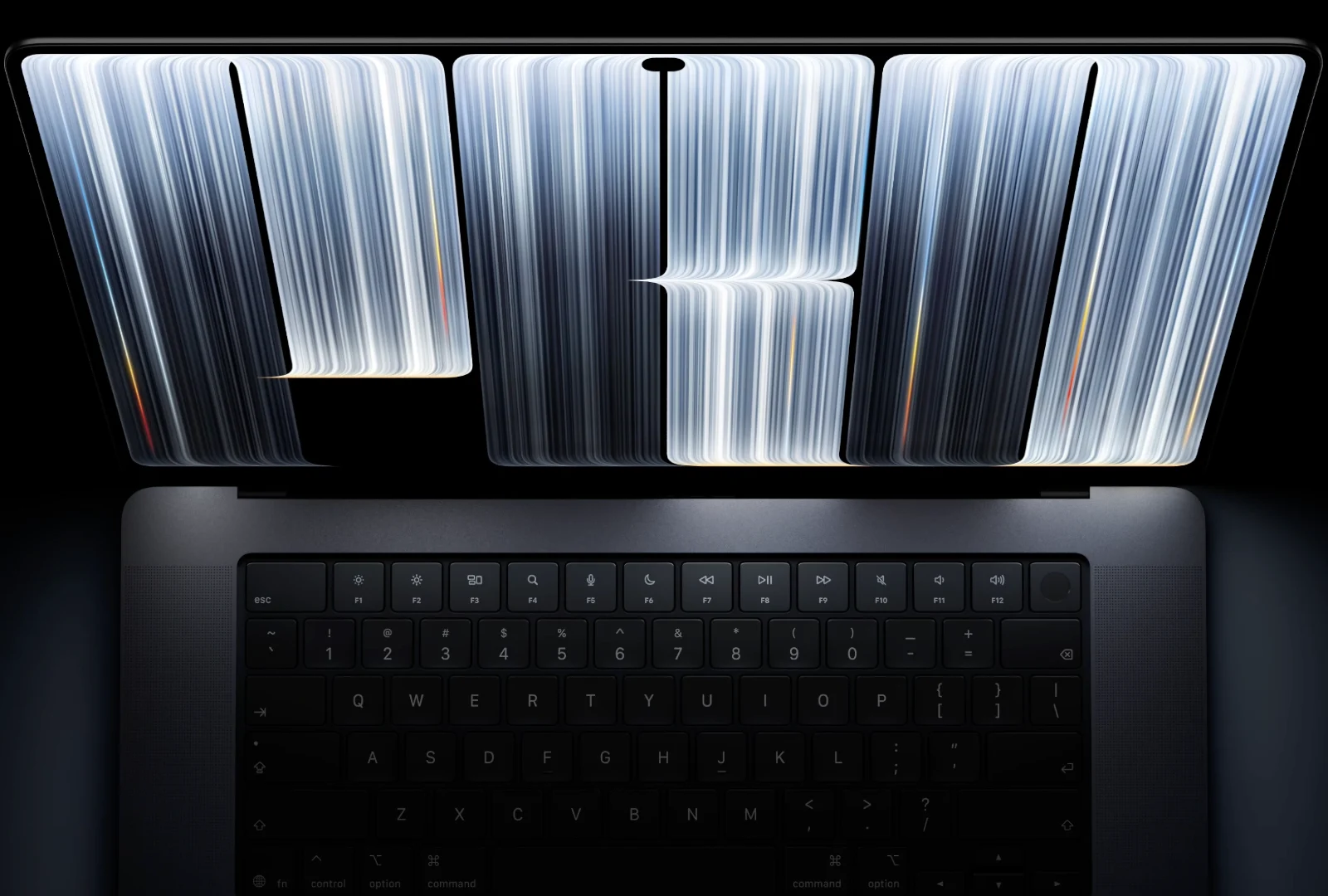

Apple has finally done it. After years of saying no, the company has announced its first-ever Mac with a touchscreen, the all-new MacBook Pro with PROLED XDR Display. It pairs a tandem OLED panel with Touch, the Dynamic Island, M5 Pro and M5 Max chips and a thinner, lighter design. The 14-inch model starts at $2,899, pre-orders are open now, and it arrives on Friday, November 6.
The machine was unveiled at Apple’s Pro and tell event in Los Angeles, and it’s the biggest MacBook Pro redesign we’ve seen in years.
PROLED XDR, Apple’s new tandem OLED display
Let’s get the big fish out of the water first. The new MacBook Pro debuts what Apple calls the PROLED XDR display, a tandem OLED panel with two self-illuminating pixel layers, similar to the technology on the iPad Pro. Apple says it’s the world’s best laptop display, and on paper, it’s hard to argue.
It hits up to 2,000 nits of peak brightness for both HDR and SDR content, with a 10,000,000:1 contrast ratio, which means deep blacks without the blooming or halos you get on mini-LED. ProMotion is here too, with a variable refresh rate from as low as 10Hz all the way up to 120Hz.
For creative pros, the display now covers both the P3 and Adobe RGB color spaces, along with more than 80 percent of Rec. 2020 for HDR video work. There’s an antireflective coating as standard, and the nano-texture option is now etched directly into the cover glass.
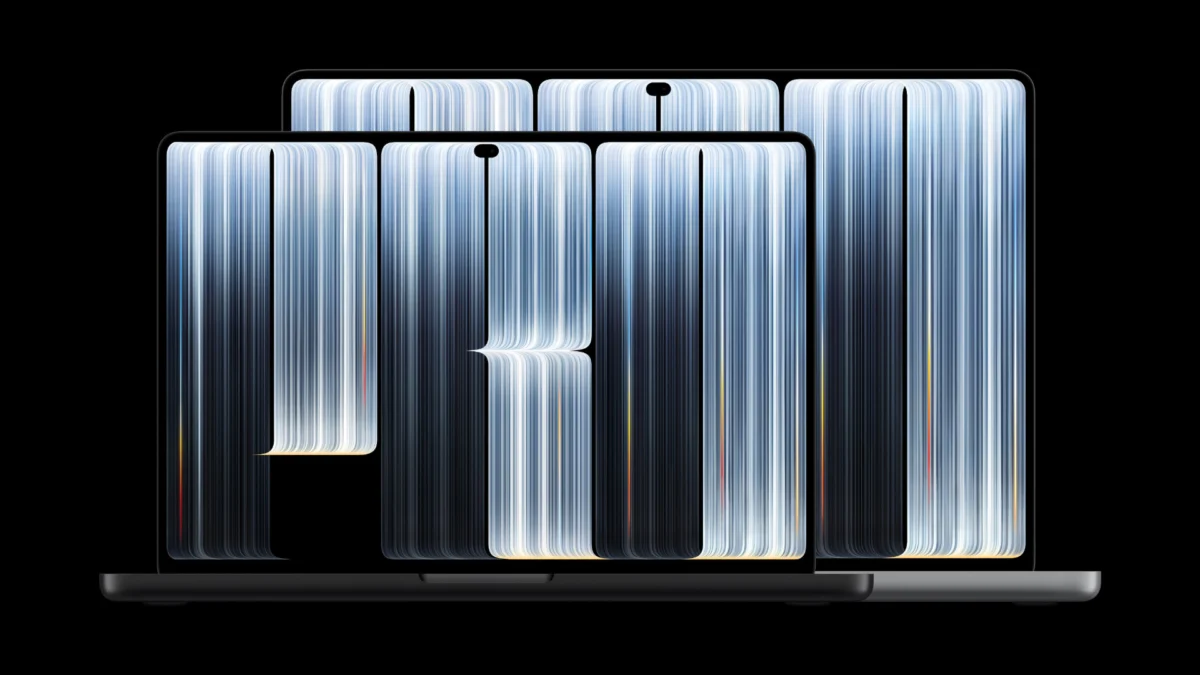
Thanks to slimmer borders, the 16-inch model now has a 16.3-inch display, while the 14-inch gets a 14.2-inch screen.
Touch finally arrives on Mac
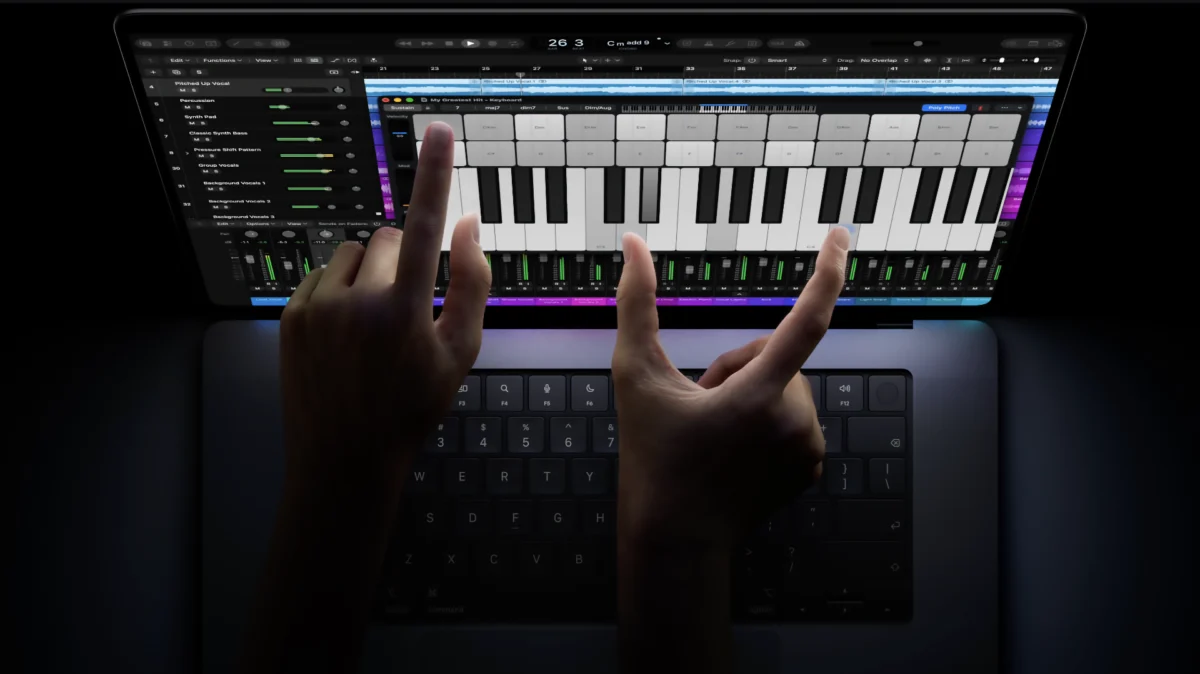
And yes, you can now touch your Mac (pun intended). You can swipe to scroll a webpage, pinch to zoom in on a photo, drag slides between presentations, double-tap a window to fill the screen or flick it to tile it into place. Apple built the touch sensor directly into the display panel instead of layering it on top, which reduces latency so it feels like you’re touching the content itself.
Many existing apps work with Touch right away, since macOS automatically translates touches into clicks. Apple’s own apps are optimized for it, and third-party apps like Microsoft Office, Notion, Canva, Zoom, Adobe Lightroom, DaVinci Resolve and Blender are on board too. In Logic Pro, you can play a full Multi-Touch keyboard right on the screen, and in Final Cut Pro, you can pinch to zoom in on a cut.
The keyboard and trackpad aren’t going anywhere, though. Touch works alongside them, so this isn’t an iPad with a keyboard attached. As we argued earlier today, the Mac now wants to be an iPad too.
The Dynamic Island comes to Mac
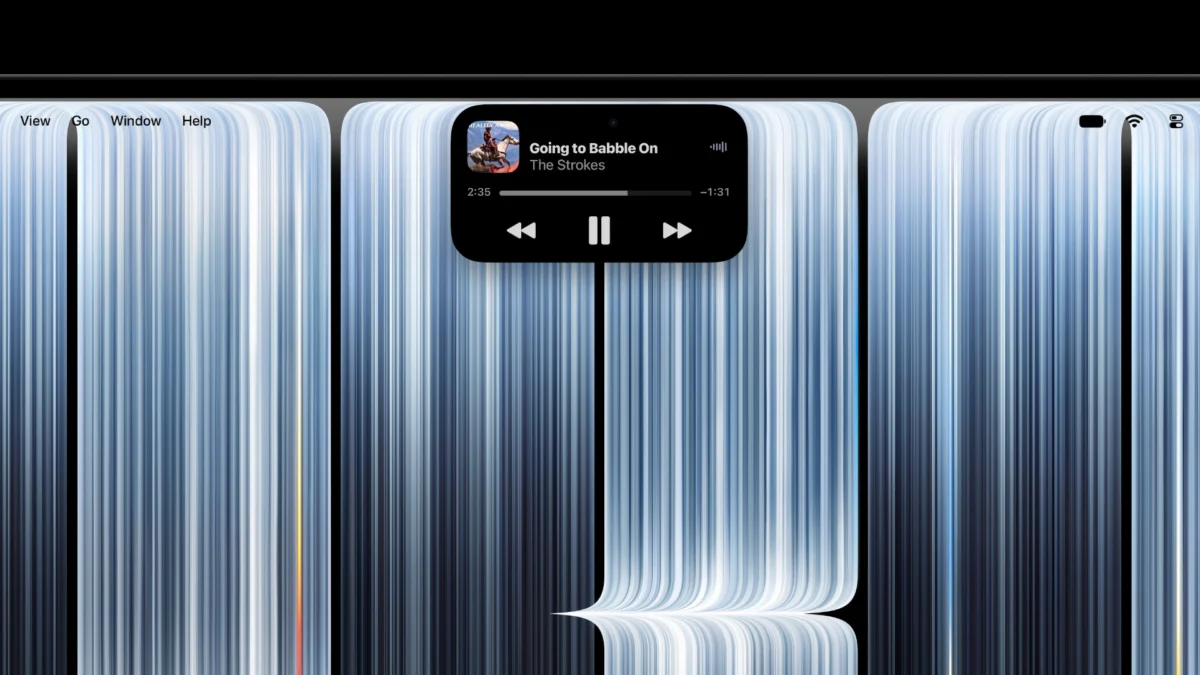
The notch is gone, and the Dynamic Island takes its place. On the Mac, it becomes the new home for Spotlight, Live Activities and Siri AI, so you can search, ask Siri a question, pick up a call, control music or accept an AirDrop request right from the top of the display.
A thinner, lighter design and a new hinge
The new MacBook Pro is thinner and noticeably lighter. The 14-inch model now weighs 3 pounds, half a pound less than before, while the 16-inch model weighs 4 pounds, 0.7 pounds lighter. The 16-inch is nearly a millimeter thinner, and the 14-inch is half a millimeter thinner, thanks to OLED’s slimmer display stack. And yes, the glowing Apple logo is back. Apple CEO John Ternus confirmed that the logo on the lid lights up again, a detail Apple dropped back in 2016.
Touch on a laptop only works if the screen doesn’t wobble every time you tap it, and Apple has redesigned the hinge for greater stability while using Touch. It’s a pretty important detail, given how the iPhone Duo’s hinge has been under the spotlight for all the wrong reasons. Apple also redesigned the thermal system to keep the same sustained performance in the lighter body, while pushing warm air away from the display.
M5 Pro and M5 Max inside
Under the hood, the new MacBook Pro runs on M5 Pro and M5 Max, the same chips Apple put in the regular MacBook Pro back in March. Each GPU core has a Neural Accelerator for faster on-device AI, and both chips feature a third-generation ray-tracing engine. With M5 Max, Apple says you can run LLMs with hundreds of billions of parameters entirely on device.
You can configure it with up to 128GB of unified memory, and storage now goes up to 16TB. Battery life is rated at up to 24 hours, and fast charging gets you to 50 percent in 30 minutes.
Better speakers, ports and everything else
The six-speaker sound system gets an all-new woofer design with 50 percent deeper bass, plus new tweeters for clearer sound. For the first time, there’s also dedicated audio tuning for when the lid is closed and you’re using an external display.
Ports include three Thunderbolt 5 ports, HDMI, an SDXC card slot, MagSafe and a headphone jack. It supports up to three external displays with M5 Pro and up to four with M5 Max. You also get Wi-Fi 7 and Bluetooth 6 via Apple’s N1 chip, Touch ID, a 12MP Center Stage camera with new video stabilization for when you’re touching the screen on calls, and studio-quality mics.
For pros, there’s the Apple Pro Display Calibrator, industry reference modes including new DICOM medical imaging modes, and genlock support for on-set video work.
macOS 27
The new MacBook Pro ships with macOS 27, including Siri AI with personal context, Apple Intelligence features across apps and new Liquid Glass customization options.
Price and availability
Here’s how the pricing breaks down in the U.S.:
- 14-inch with M5 Pro: $2,899 ($2,749 for education)
- 16-inch with M5 Pro: $3,399 ($3,199 for education)
- 14-inch with M5 Max: $4,499 ($4,199 for education)
- 16-inch with M5 Max: $4,799 ($4,499 for education)
Pre-orders are open now on apple.com and in the Apple Store app in 30 countries and regions, and it starts arriving on Friday, November 6.
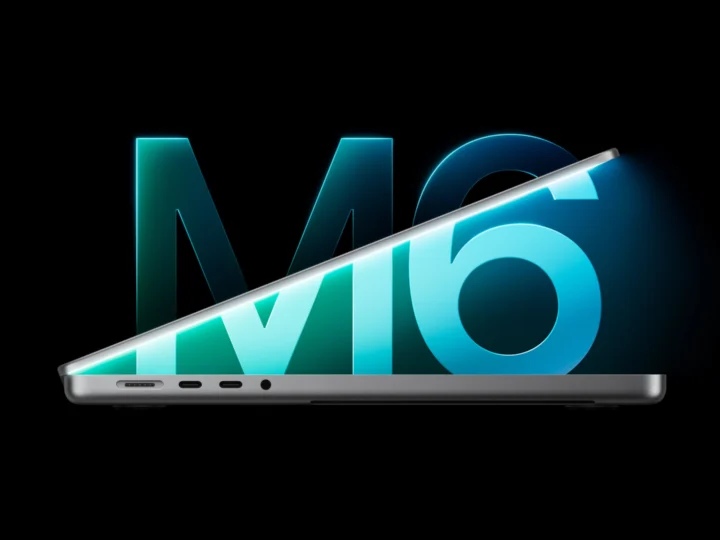
The M6 14-inch MacBook Pro Apple launched yesterday sticks around as the cheaper option at $1,999 for anyone who doesn’t need OLED or Touch.
Our take
Apple spent over 15 years telling us a touchscreen Mac was a bad idea, and now it’s here, with a display that might genuinely be the best on any laptop. At $2,899, it’s not cheap, but the combination of tandem OLED, Touch and the Dynamic Island makes this the most exciting MacBook Pro in years. Whether Touch is worth it comes down to how it feels day to day, and we’ll be putting that to the test as soon as we can.
Would you pay more for a touchscreen on your Mac?